Rating: ★★★★
PROS:
- Very comfortable to use
- Braided cable for extra durability
- Performs well in game, easy to map buttons as per requirements
- Inexpensive
CONS:
- Only 6 LED colours to choose from, no fully fledged RGB system
- Would have liked more programmable buttons
- Software can only be installed from CD
Learn more about this product at 1byone.co.uk
I wouldn’t call myself a heavy gamer, but I do enjoy the odd PC game from time to time when I get the chance. Historically, I’ve very much been a controller-based gamer, typically relying on an Xbox 360 or Xbox One PC controller. 1byone got in touch with me and said they thought I should try gaming with a high DPI mouse designed for gaming, so i took them up on their offer to sample one of their latest models.
The mouse comes packaged in a simple cardboard box which thankfully doesn’t require any frustrating man-handling to open, and arrives together with a mini-CD containing the software required to use the mouse’s high DPI functionality. The software is fully compatible with most recent versions of Windows including Windows 10 but unfortunately can only be used as a standard mouse within Mac.
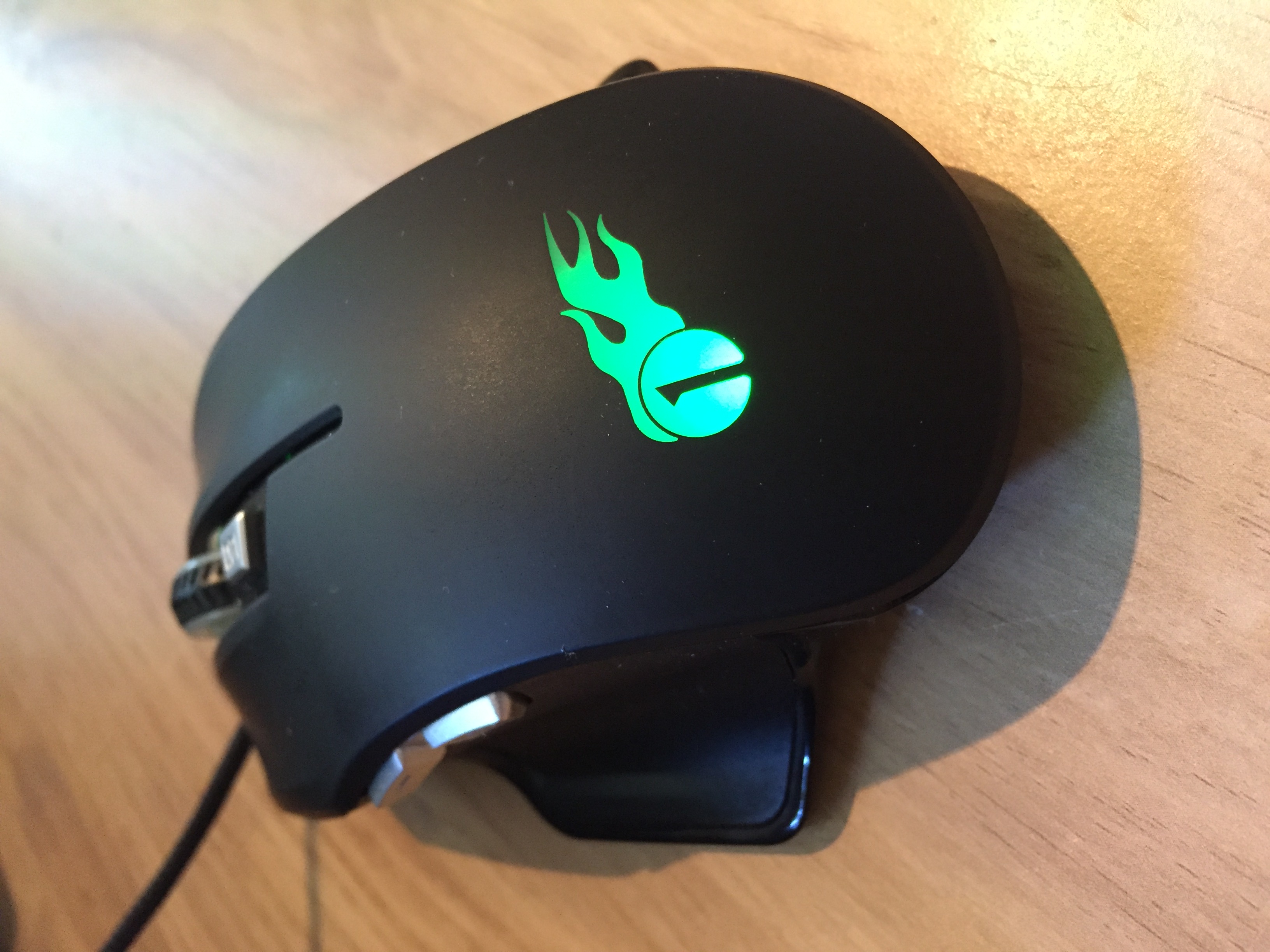
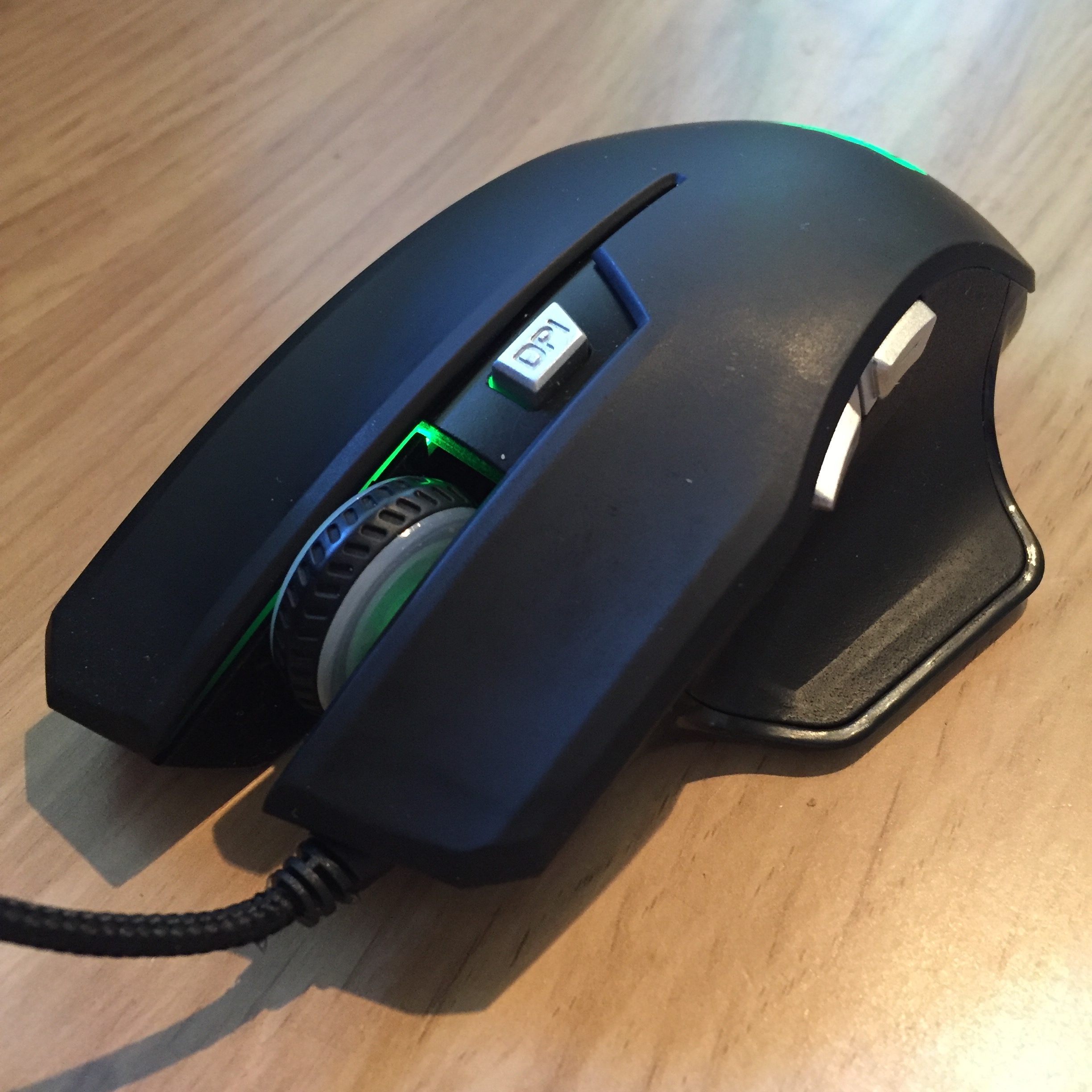
The mouse itself fits very nicely in the hand and is a good size. If anything I might have liked it to be a tiny bit larger but that’s just personal preference and most will feel it’s an ample size for the job at hand. Buttons are well placed with a button marked ‘DPI’ on the top which by selects each DPI profile that has been configured (and simulatenously changes the configured colour scheme ready for each profile). There are then two other buttons on the left hand side of the mouse which by default act as back and forward buttons for your web browser.
Getting started is simple. Simply plug in your new mouse and then run the bundled setup.exe program within the installation CD and in a few easy steps you’ll be good to go. Once the software is installed, you can configure up to 5 gaming profiles and even assign the profiles to an individual game. The profile can even be automatically selected when a particular game starts.
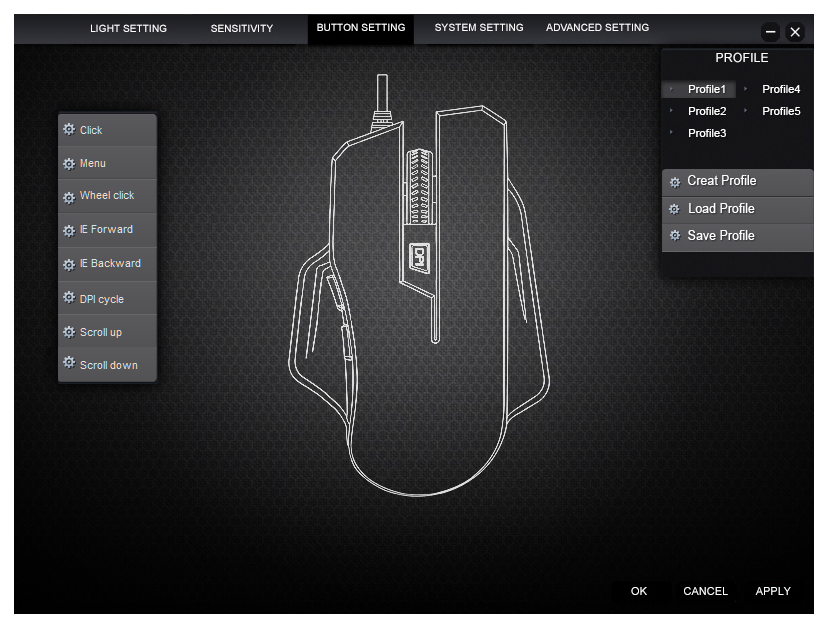
Bar a minor spelling error, the interface is well designed and allows easy configuration of gaming profiles.
Playing games with the mouse is very easy and the comfortable thumb rest makes use of the mouse for extended periods of time comfortable. I’m not sure how I’d use the mouse in my left hand as it does seem to be manufactured for right-handed gamers, but that’s likely to be an issue that won’t affect many. The two buttons above your thumb are well placed so you don’t hit them by accident and have a very decent level of feedback and a loud click upon pressing.
Every button on the mouse including the left and right mouse button can be mapped, which can be particularly useful if you want to avoid using a keyboard almost altogether. One of my criticisms is the lack of buttons for you to be able to map – I’d like to have seen a couple more custom buttons myself but overall feel that the choice 1byone made is reflected well in the price.
My biggest gripe with the mouse is the lack of downloadable software for it. At the time of writing, the only way you can install the software (which is absolutely mandatory if you want to do any form of gaming with the mouse) is to use the provided mini disk. If you don’t have a CD drive on your computer (and let’s face it, many of us don’t these days) you’re going to find the software difficult to install unless you have another computer with a CD drive kicking about. 1byone could however easily fix this!
Aside from those relatively minor niggles, this is a solid budget gaming mouse with as much accuracy as most will ever need. At around £15, it fits nicely within its price range and certainly feels well built and designed to last. If 1byone could fix the software download issue this would be suitable for all games no matter how their computer is configured. If you’re in need of a reliable gaming mouse that won’t cost the Earth, this is a good choice.